Idea
Start with a question.
 Enlarge the story questions screenshot
Before asking for a paragraph, the interface asks for a few ideas. These small prompts are my starting point for making the blank page feel more approachable.
A developing practice in learning & technology
An English Language Teaching student at TED University. Exploring how stories and thoughtful technology can make room for learning.
Language. Learning. Making.
A little structure. A lot of possibility.
A personal project exploring a simple question: how can a writing space help a learner move from a small idea to a story of their own?
Visit the project Enlarge the public homepage screenshot
Personal learning project
Writing · scaffolding · storytelling
Public demo + local prototypes
Try the writing journey. The temporary public demo includes cards, planning, writing, submission and export. Use invented details. AI generation is off; account registration is closed.
Open the demoChapter 01 / The learning journey
Follow the decisions behind the writing experience, from the first question to a new way of reading.
Idea
Enlarge the story questions screenshotBefore asking for a paragraph, the interface asks for a few ideas. These small prompts are my starting point for making the blank page feel more approachable.
Cards
 Enlarge the story cards screenshot
Character, place, time, event and a useful word become tangible choices. Learners can keep a card they like and change the others, then decide how the pieces belong together.
Plan
 Enlarge the planning screenshot
Beginning, middle and ending provide a visible route through the task. The prompts offer direction while leaving the story's events and language to the writer.
Write
 Enlarge the public writing demo screenshot
The chosen cards stay in view while the writer develops the story. Drafts can be saved and submitted. In the public demo, writing remains available with AI assistance switched off.
Feedback
 Enlarge the fictional feedback screenshot
A comment can point to one useful next move. The local feedback workflow keeps the original submission and revision context together, so a story can remain a conversation.
Comic
 Enlarge the local comic-reader screenshot
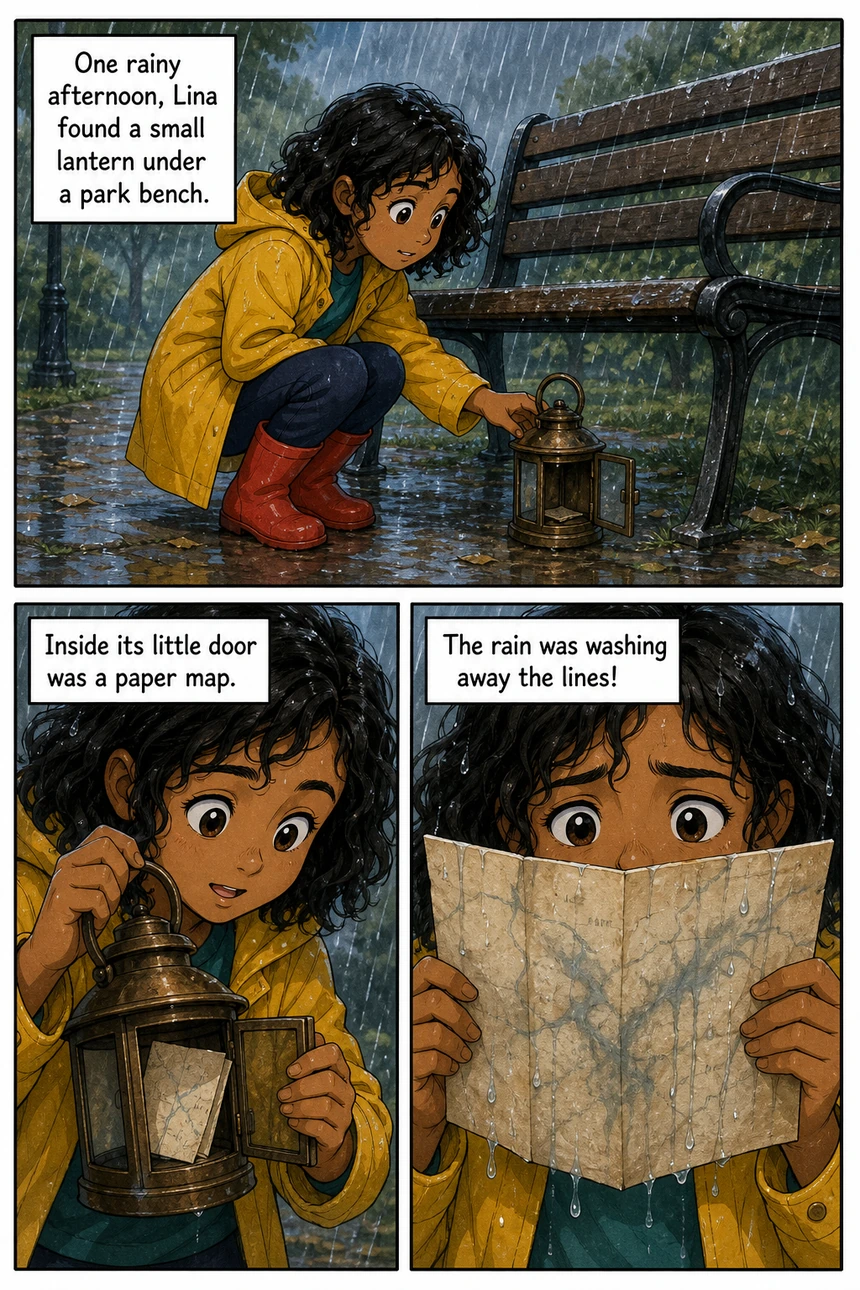
Story Maker explores adapting submitted writing into illustrated pages and narration. This is a local prototype: the original writing and its adaptation remain separate, and comic generation is not available in the public demo.
These are the intentions behind the design. They are questions I am exploring, not claims of measured learning outcomes.
The V3 reader explores the feel of a physical book: page turns, separate lettering, visible text and narration that follows the spread.
 Enlarge the V3 page-turn screenshot
Lettering stays separate from artwork. A text view, portrait layout, pause controls and reduced motion make the reading interaction more flexible. An in-app lettering editor is a future step.
This V3 demonstration uses synthetic illustrations and an audio test tone. Real generated V3 artwork and voice performance are still to be evaluated. It is not a public demo feature.
I'm Umutcan, an English Language Teaching student at TED University.
I'm interested in what happens where language learning, storytelling and digital tools meet. Hopes & Leaves is where I bring those interests together: shaping an activity, building the interface and questioning what each choice asks of a learner.
This portfolio documents work as it develops, with a clear distinction between what you can try today and what I am still exploring.